Turn site imagery into a working visual asset record
Capture your facility using cameras or drones you already operate. Upload your imagery, place capture locations on your plans, and build a navigable 360° record that your team can access remotely. For remote review workflows, see remote inspection.
Integrity, HSE and operations jump from a capture node into the matching panorama. Remote imagery complements required site work — it does not replace engineering measurement or a full digital twin.
Plan to panorama Custom jump points take you from the drawing into the view you need.
Clearer detail Adjust exposure and clarity in the viewer instead of re-shooting.
Offshore-aware Tiled imagery is built for limited connectivity, not a cinema-grade download.
360° walkthrough
How it works
You capture. RigScene builds the record.
Shoot, upload, then walk and tag from the office. Processing is automatic once the panoramas are in.
01
Capture & upload
Your team shoots on the asset with 360 cameras or drones you operate, then uploads the panoramas.
02
Process & link
Preview and tiled resolutions are generated automatically. Place nodes on the level plan and add jump points.
03
Walk, tag & compare
Office teams navigate the tour, mark findings and stack dated captures on the same node.
Findings
Tag in the viewer. Find it on the plan.
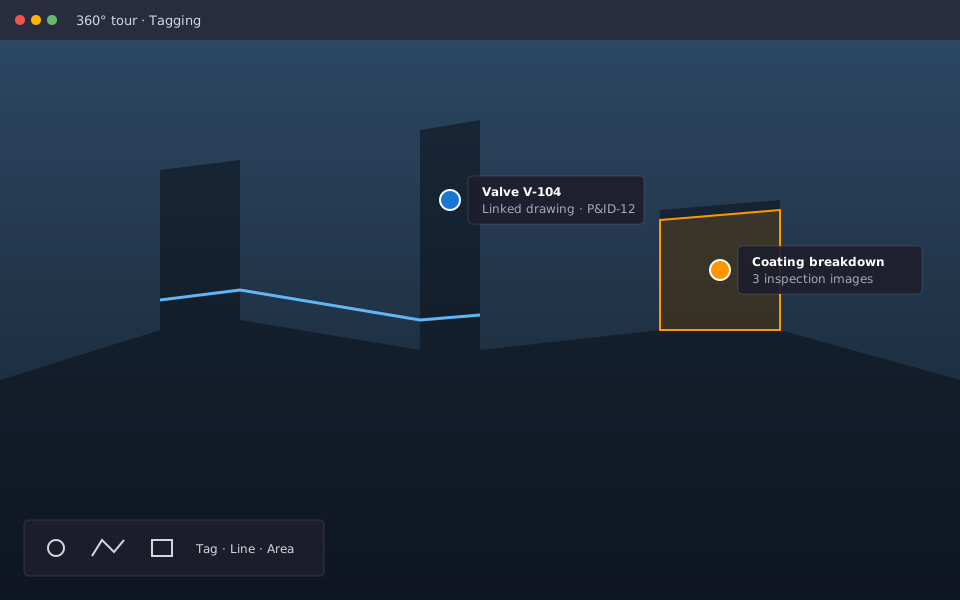
Mark equipment and issues in the panorama or on a drawing. Search the register and attach photos or P&IDs to the same location.
Configurable types Points, lines and areas that match how your team marks the plant.
Evidence on the tag Supporting photos and drawings travel with the finding.
Optional PDO link Connect a tag to a dropped-object record only if RigScene PDO is enabled.
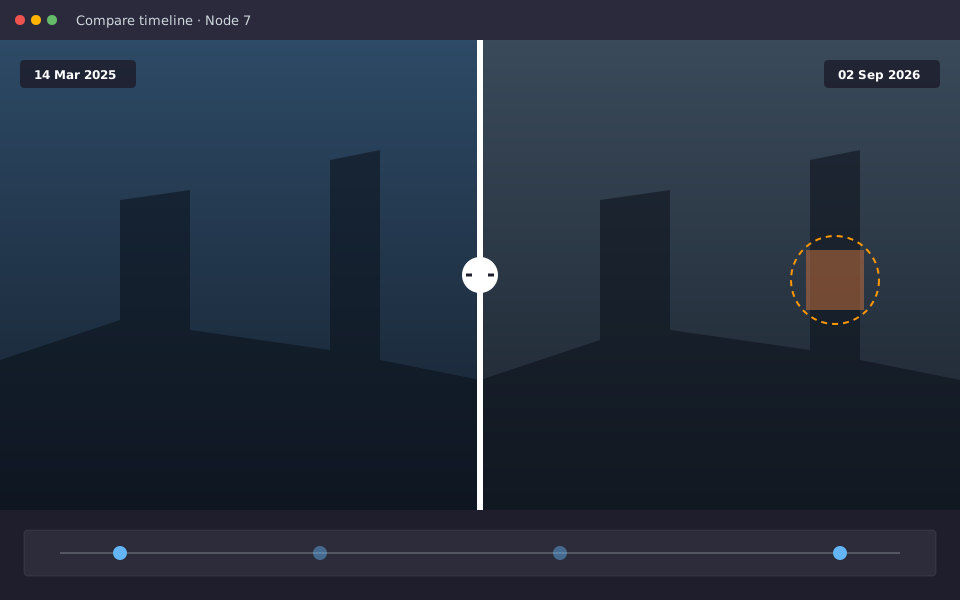
Re-shoot the same nodes on your schedule. Compare dated panoramas to review corrosion, temporary works and completed repairs without another walkdown for looking.
Dated captures Keep a visual history on each node.
Side-by-side compare Move between inspection dates in the viewer.
When geometry matters
Add a local point cloud, not a whole-asset scan
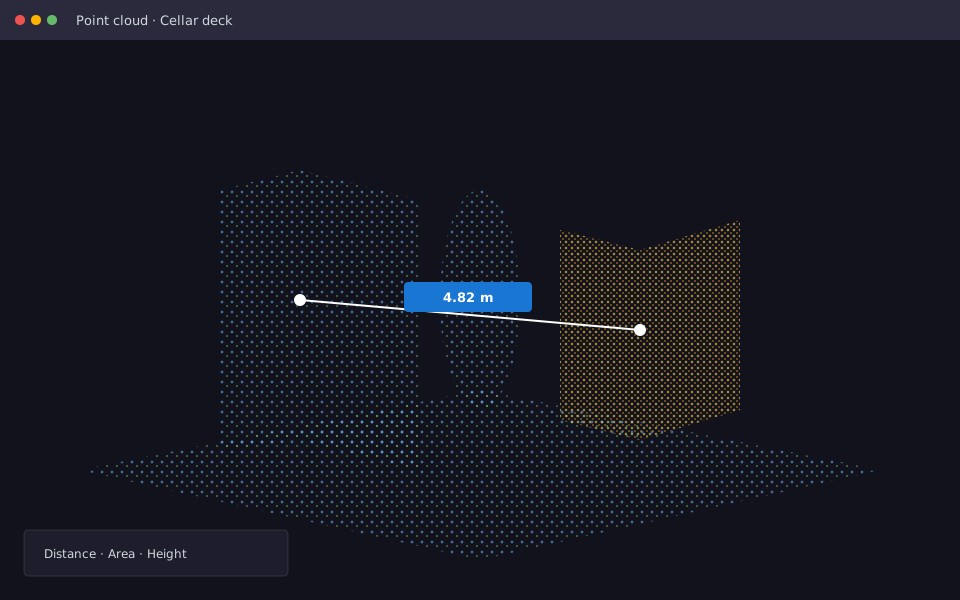
360° imagery is the everyday record. Open a targeted capture for a modification area when you need to measure clearance or height.
Everyday work Remote viewing, inspection and change tracking across the asset.
Precision where needed A local LiDAR or photogrammetry capture for a bay or tie-in — not a facility-wide scan.
How is this different from a 3D twin or a BIM field tool?
RigScene 360 is a navigable visual record on your deck plans. A local point-cloud capture can be opened for a specific area. It is not a specialist-campaign visual twin, a whole-asset point-cloud platform, or construction BIM.
Can virtual tours work without PDO management?
Yes. RigScene 360 and RigScene PDO are independent modules. Use tours alone, the dropped-object register alone, or both.
Walk a sample capture on your type of facility.
See plan-linked panoramas, tags and dated compares. Remote look-sees are covered separately.