Features

Rig Scene is an asset management platform at its core — with modular capabilities such as dropped object (PDO) management available when you need them.

Platform

Core asset management — organise sites, navigate facilities visually, and explore assets through 360° imagery.

  • Asset management — Create and organise assets with images, descriptions, and role-based access. Manage multiple sites from a single dashboard.
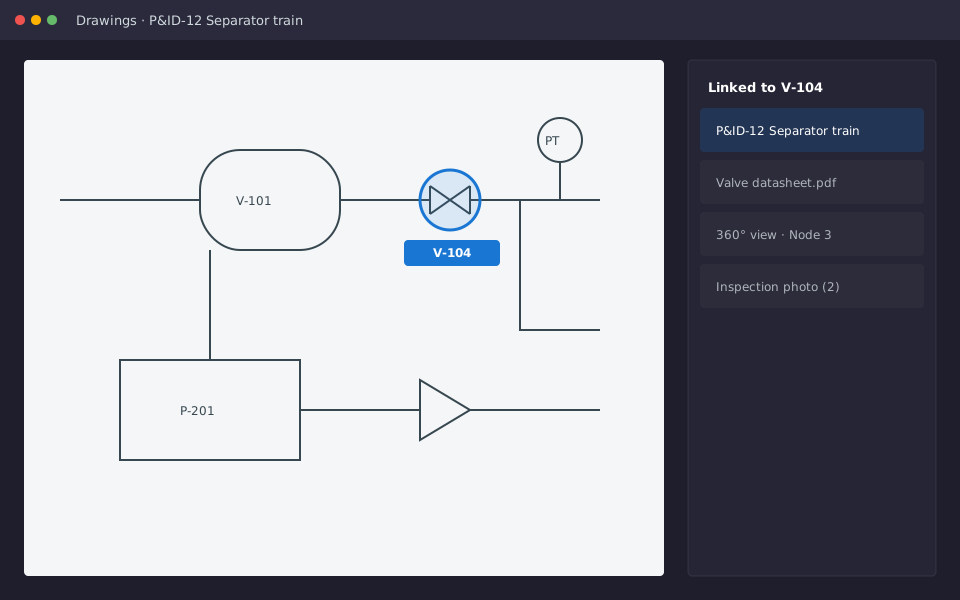
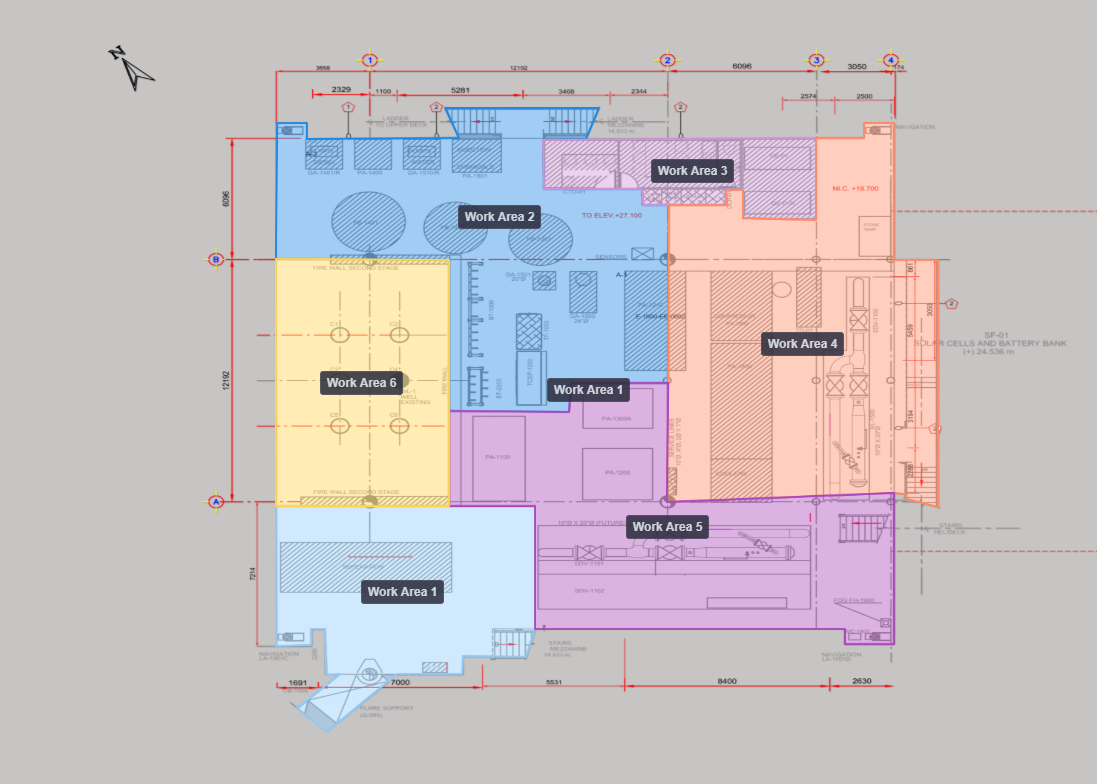
  • Interactive maps — Upload level images (floor plans, deck layouts, aerial imagery) per level. Name levels, set default zoom, assign locations, and reorder.
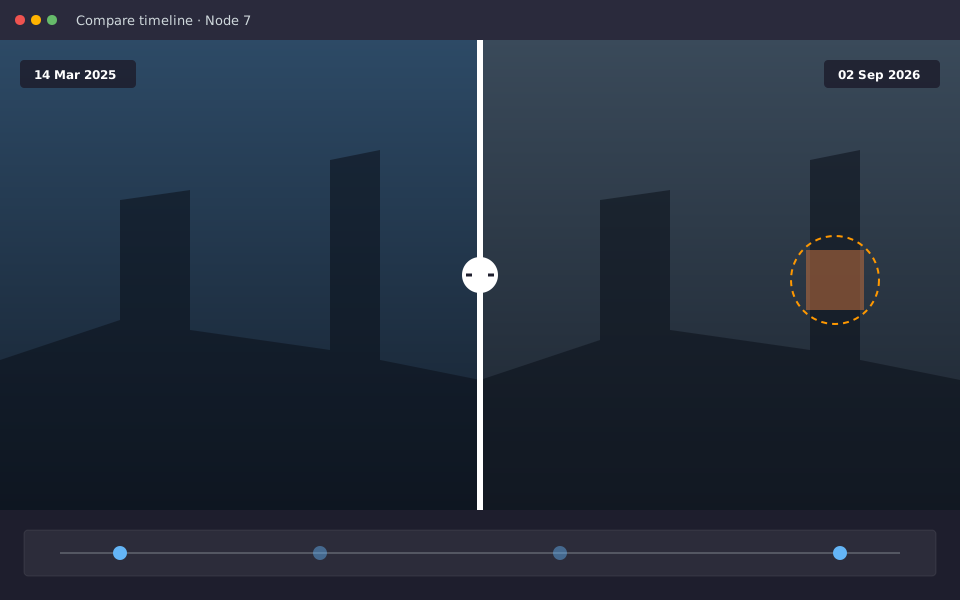
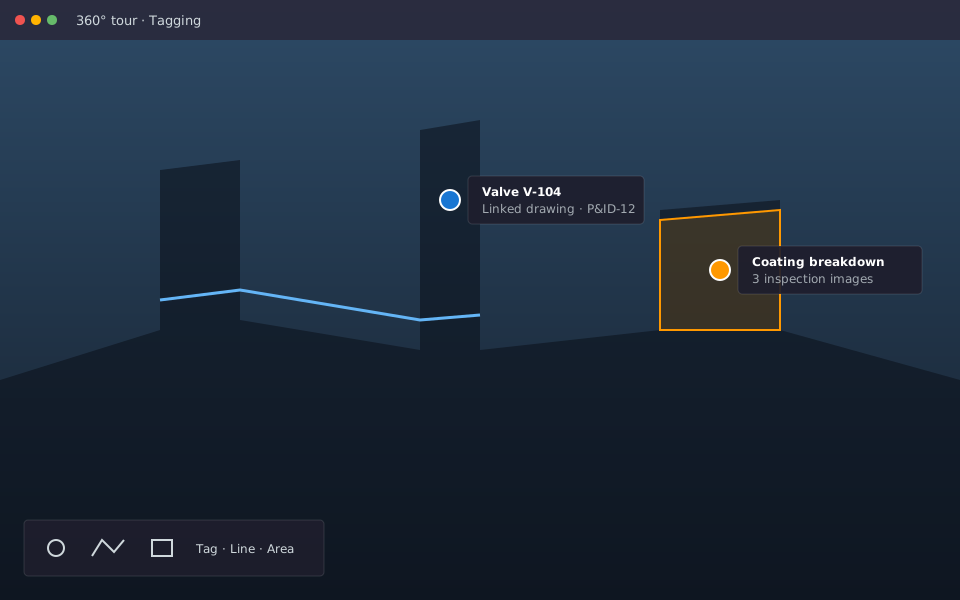
  • 360° virtual tours — Upload panoramic images and walk through sites in an immersive viewer. Link tour nodes to map locations for spatial context.
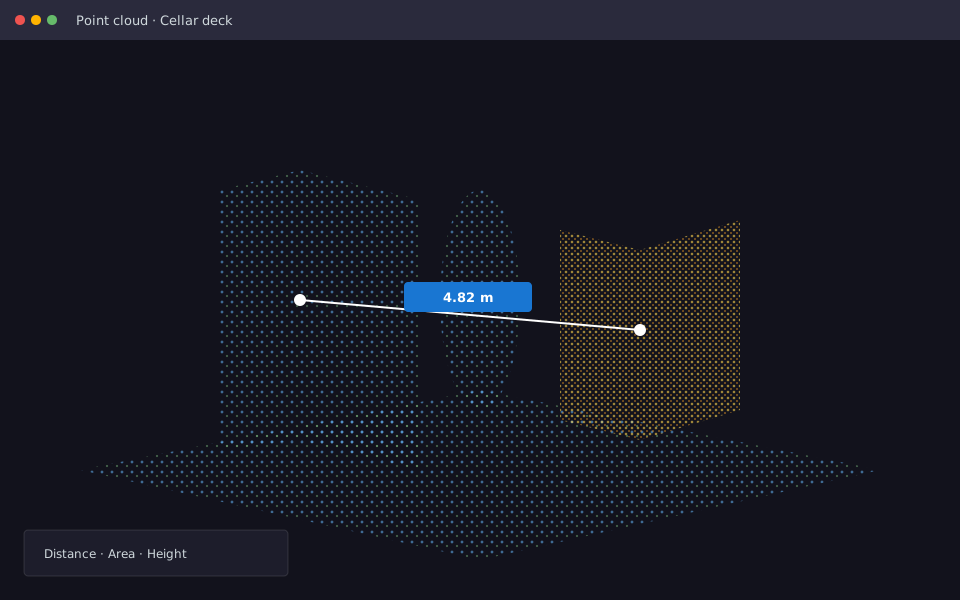
  • UAV photogrammetry & aerial views — Use any image as a level background, including aerial or UAV-derived imagery, so teams can work from real-world views.
  • User roles — Three account types: User, Editor, and Read-only. Control who can view, edit, and export data.
  • Offline detection — Built for sites with poor or intermittent internet. The app detects when you go offline and handles reconnection.
Module

PDO management

When enabled, the PDO module adds dropped object tracking on top of your existing asset maps — from identification to verified removal.

  • Plot PDOs on the map — Place PDO pins with one click. Pins are colour-coded by severity and pulse when overdue for removal or review.
  • Create boundary zones — Draw polygons (hazard zones) on the map. Zones link to PDOs so you see which hazard area each PDO belongs to.
  • Populate PDO data — Full PDO form: severity calculator (mass, drop height), details (dates, type, behaviour, exclusion zone guidance), hazard description, mitigations, and rich text.
  • Image markup & annotations — Upload images to PDOs, add captions, and annotate with arrows, text, and shapes. Download images with or without annotations for reports.
  • PDO register — Table of all PDOs with filters (level, severity, removal date), search, archive/restore, and overdue indicators.
  • Download to CSV & PDF reports — Export register data to CSV and download a PDF report for individual PDOs.
  • Trending via dashboard — PDO dashboard with counts by type and severity, asset filters, and overdue alerts for removals and audits.
  • Audits & audit history — Add audits per PDO (date, next review, comment). Full audit history for traceability and compliance.